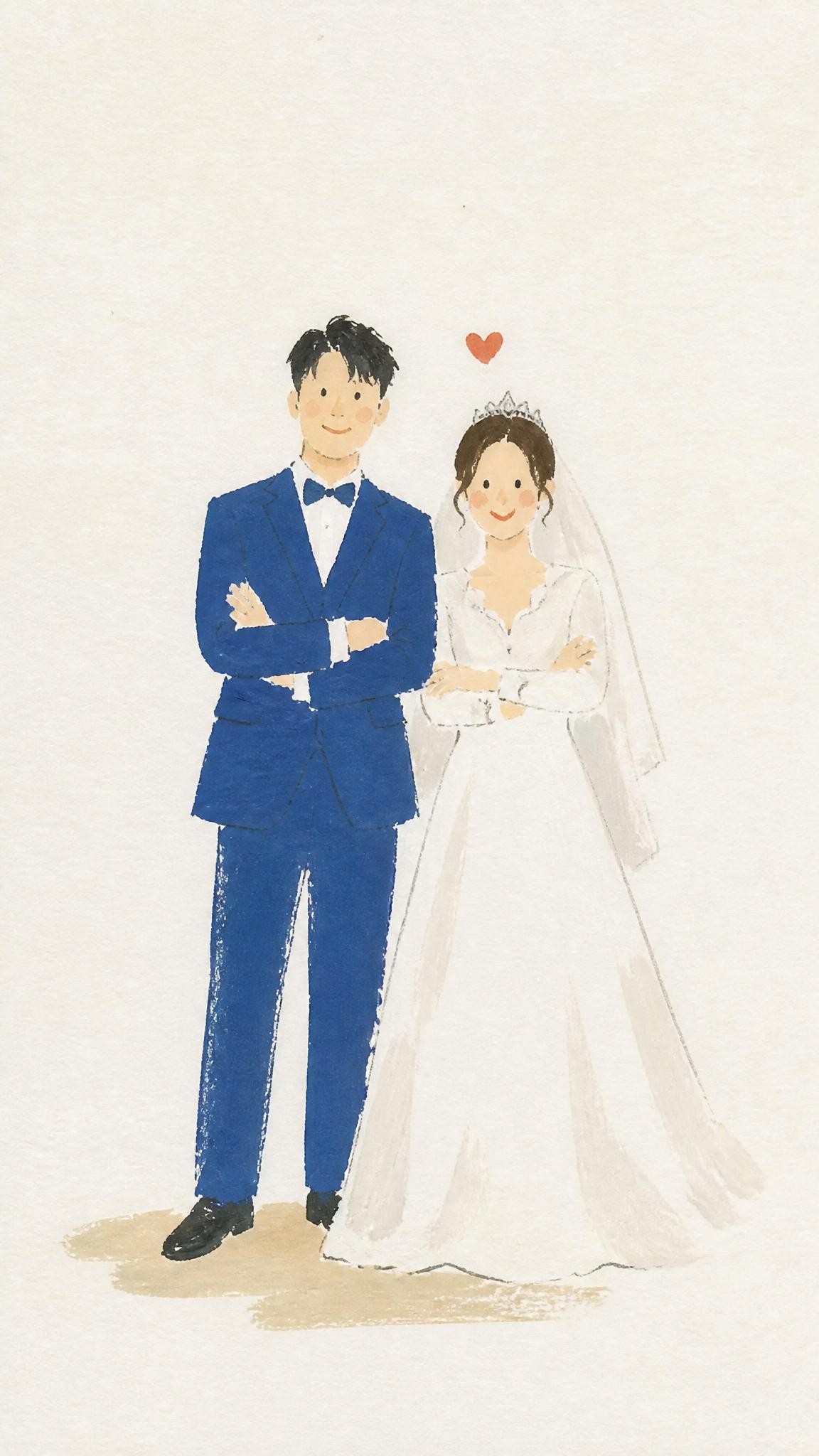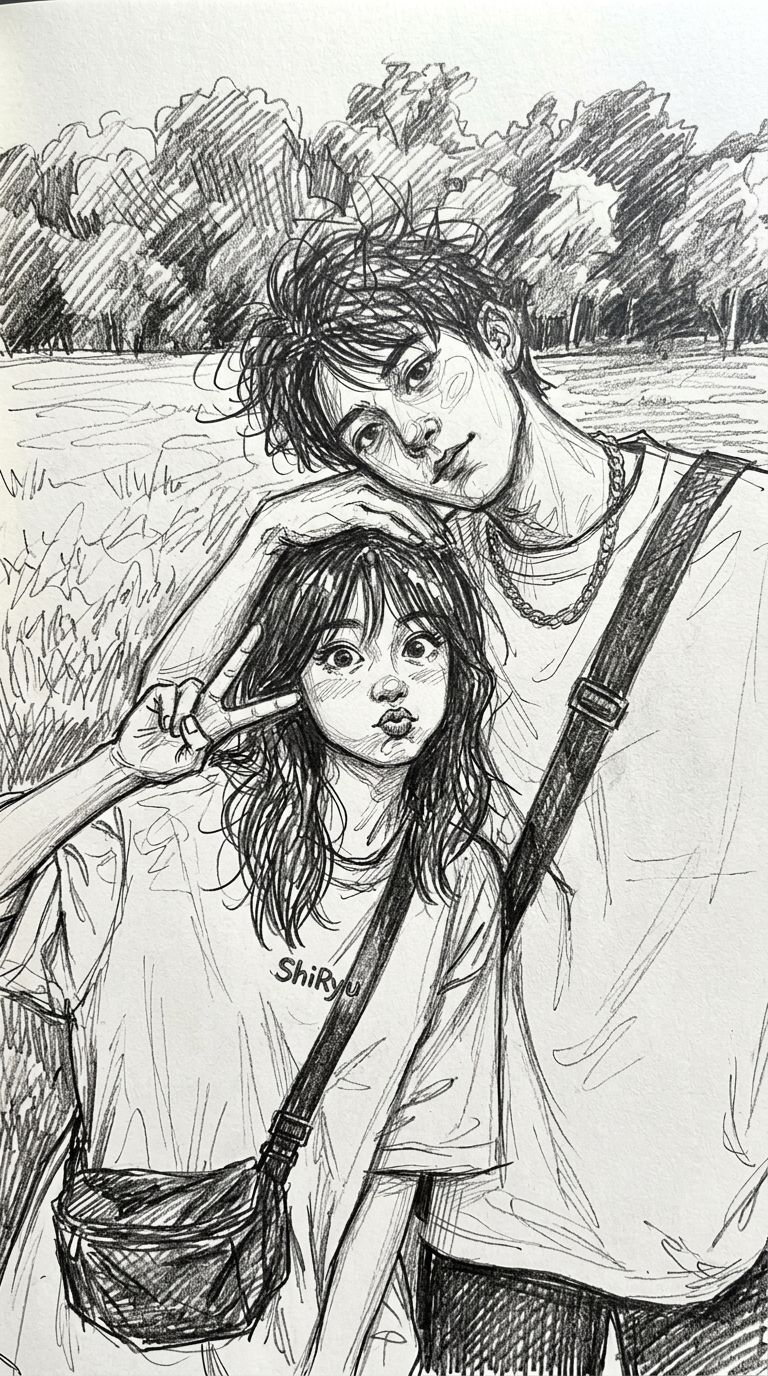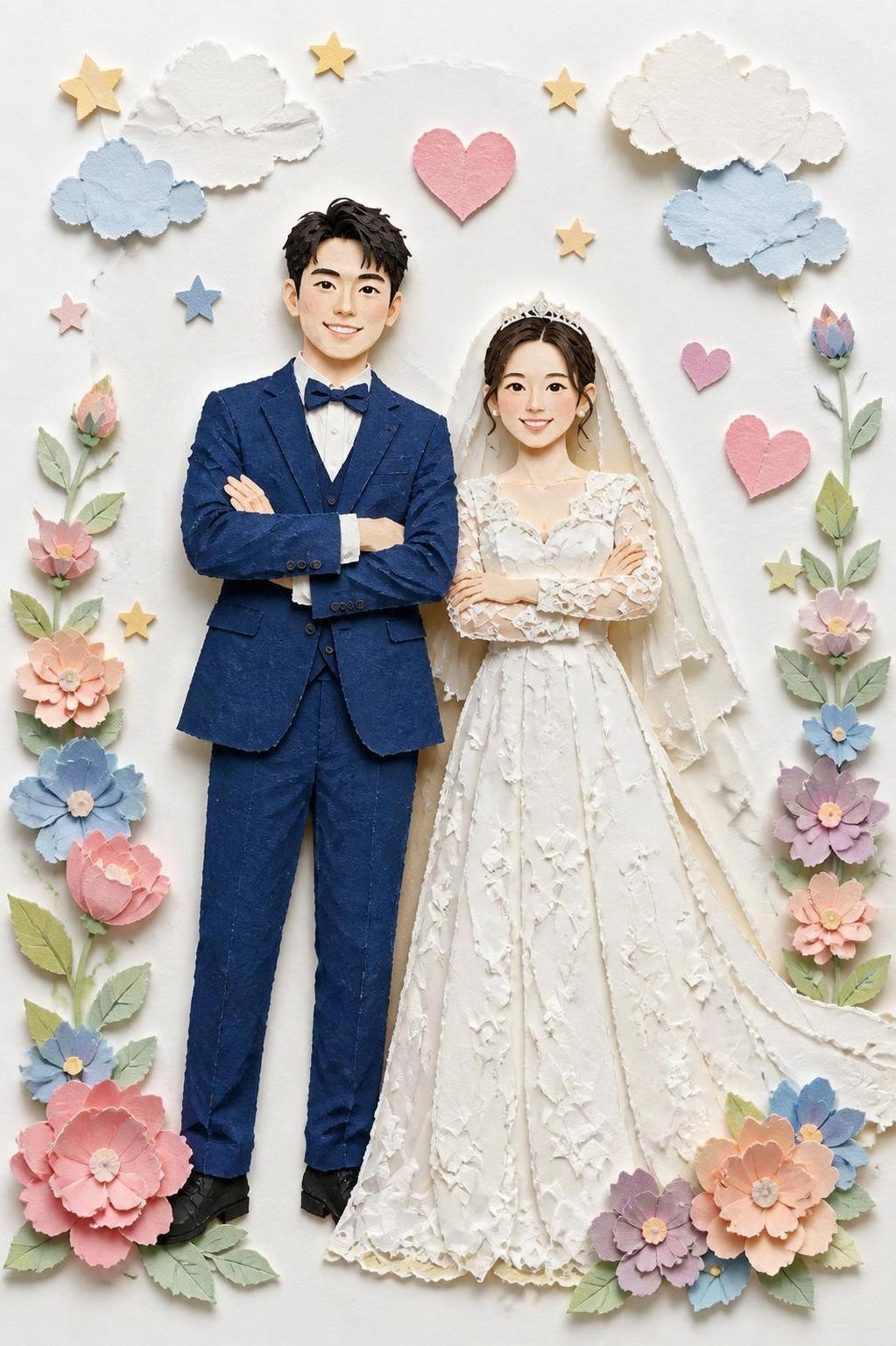
AI style transformations
Choose a curated look that preserves the subject of your photo while giving it a new visual character.
AI LIVE WALLPAPERS
Choose an AI style, transform one photo, and save it as a Live Photo made for your iPhone Lock Screen.
WHY STILLIVE
Choose a curated look that preserves the subject of your photo while giving it a new visual character.
Every result is composed in a vertical format and exported as a Live Photo for your iPhone.
Crop your image, choose a style, and let Stillive build the transition without a video editing workflow.
FEATURED STYLES
A selection of styles made for photo-to-art transitions.
Browse all styles →HOW IT WORKS
Browse the Stillive collection and pick the transformation that fits your photo.
Crop it to the Lock Screen frame, then generate the styled result securely.
Preview the transition, export it to Photos, and set it as your Lock Screen wallpaper.
FAQ
Stillive turns one photo into a short, style-changing Live Photo designed for an iPhone Lock Screen.
No. Your original stays unchanged. Stillive creates a separate generated result and saves the finished Live Photo as a new item.
No. Choose a style and a photo; Stillive handles the AI transformation, transition, and Live Photo export.
Each style shows its credit cost before you generate. Credits are only used when you start a generation.
Live Wallpaper behavior depends on the iPhone model and iOS version. Stillive exports a compatible Live Photo, while playback on the Lock Screen is controlled by iOS.
AVAILABLE ON IPHONE